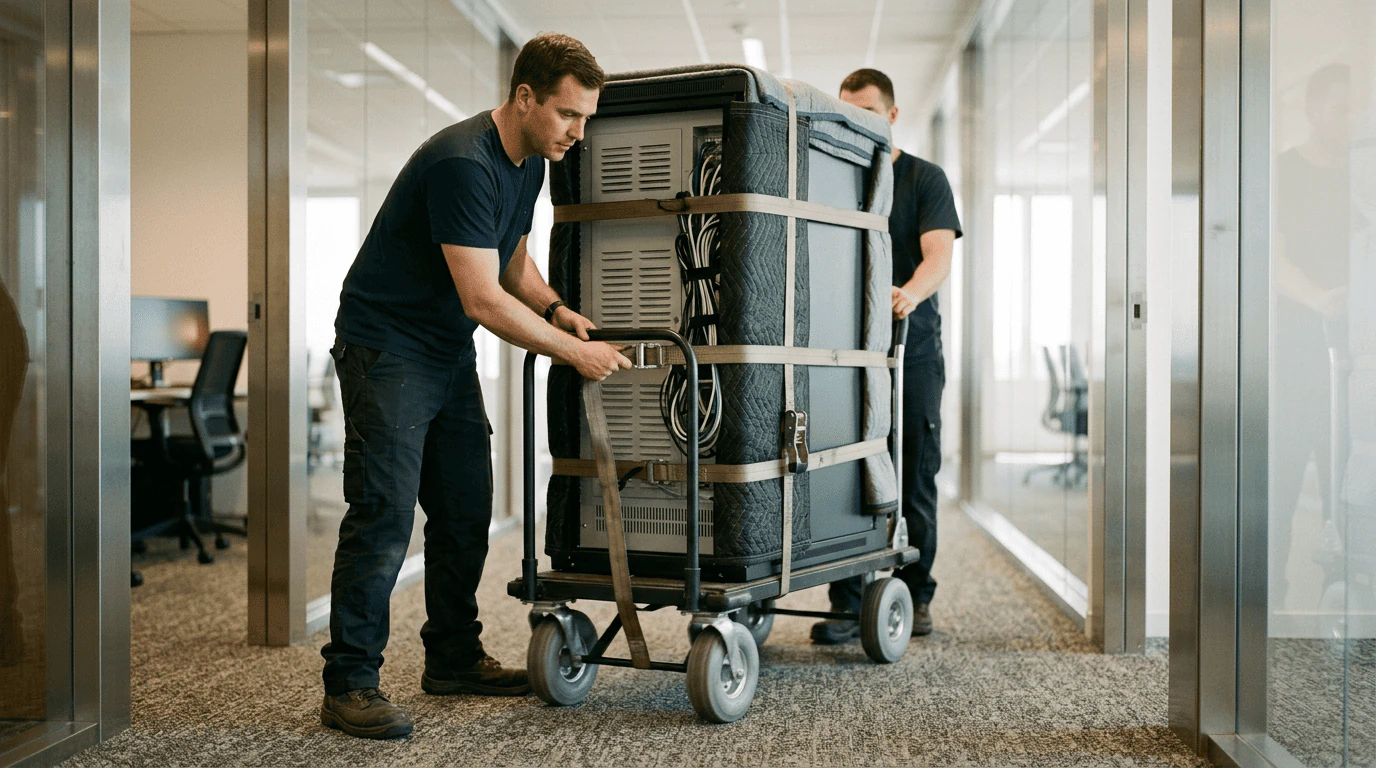


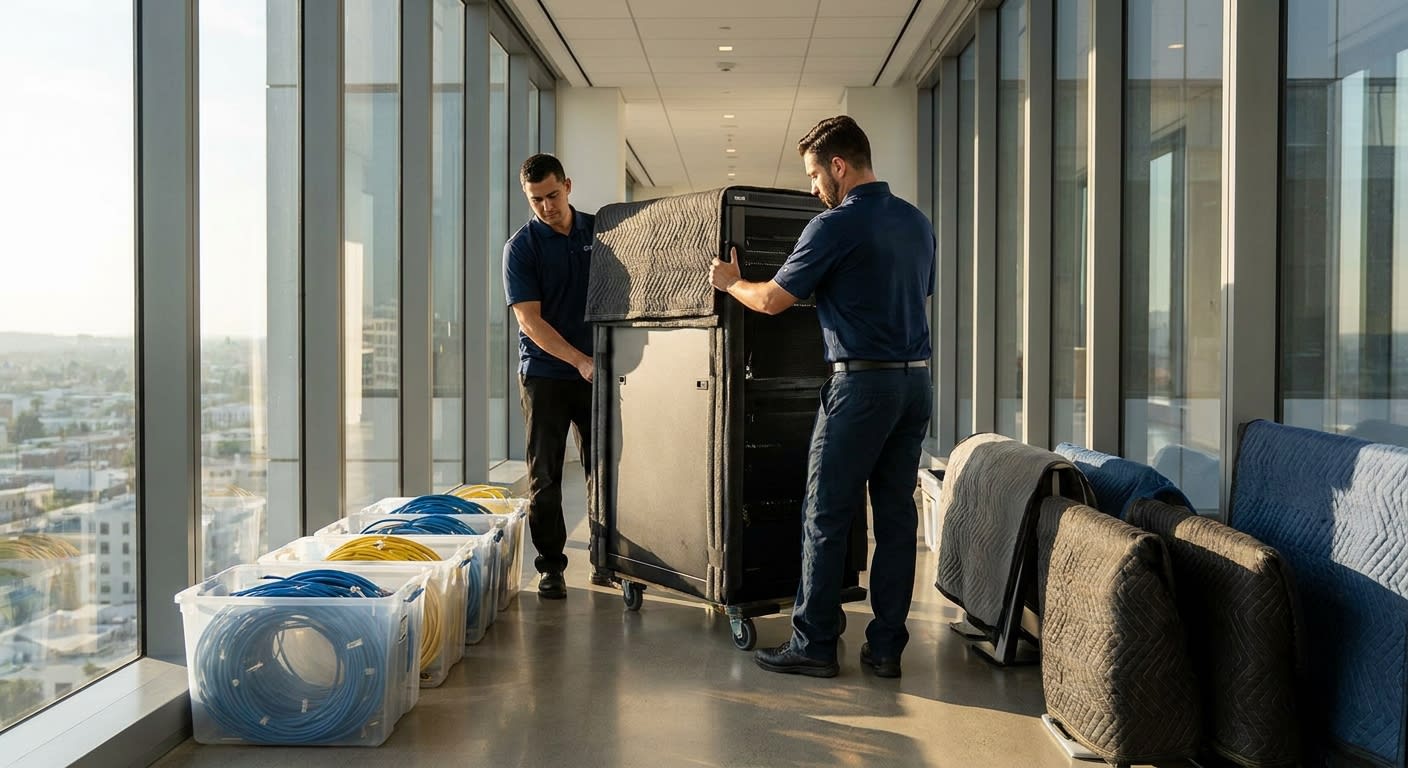
Three weeks ago I helped a 42-person fintech firm move from a shared workspace on Wilshire to their own floor in a Culver City creative office. They had two server racks, 38 workstations, a VoIP phone system, and a Friday-to-Monday window to be fully operational. The IT director called me on a Tuesday in a mild panic — their previous mover had quoted a price but had no plan for the network gear. By the following Tuesday, every employee was logged in at the new desks and trading was running. That move only worked because we built a real IT equipment office relocation checklist before a single box got packed.
I'm Alex Park, the CEO and Founder of SOS Moving, and I've watched too many LA business moves go sideways because someone treated the server room like it was just furniture. When I started SOS in 2020, commercial relocations were already where I saw the biggest gap between "movers with a truck" and "partners who can actually keep your business running." Below is the checklist I walk every commercial client through — the same framework my team uses on a Beverly Hills law firm move or a Pasadena biotech lab relocation.
Why IT Equipment Needs Its Own Move Plan
Regular office furniture is forgiving. A conference table scratched in transit is annoying but not business-ending. A server dropped, an unlabeled cable bundle, or a missing license key for your firewall — those problems shut companies down for days. In LA's 2026 market, where commercial leases routinely run $4.50 to $7 per square foot per month in submarkets like Century City or Playa Vista, every day of downtime is real money walking out the door.
I tell every client that IT relocation has three failure modes: physical damage to hardware, data loss or corruption during transport, and configuration loss when nobody documented how things were wired. A good IT equipment office relocation checklist addresses all three before move day, not during it. The other thing I emphasize: your IT team and your moving crew need to be in the same conversation from week one. When the cable guy shows up Monday morning and the rack is in the wrong corner of the server closet, you've lost a half day minimum.
Step 1: Build Your Inventory and Asset Map (4-6 Weeks Out)
Before anyone touches anything, you need a complete inventory. I'm talking serial numbers, asset tags, warranty status, and current physical location for every piece of equipment. For a typical 30-person LA office I expect to see: workstations and laptops, monitors, docking stations, printers and MFPs, networking gear (switches, routers, firewalls, access points), servers, UPS units, VoIP phones, conference room AV, and any specialty equipment like NAS boxes or backup appliances.
I have my clients export their RMM tool's asset list, then physically walk the office with a printed copy to confirm everything. You'd be surprised how often the asset list shows 38 monitors and the actual count is 41 because nobody logged the spares. Next, map dependencies. Which switch feeds which conference room? Which UPS protects the server rack? Which printer is on a static IP that's hardcoded into your accounting software? Build a simple spreadsheet with three columns: device, current location, new location. This becomes the bible for move day.
Step 2: Coordinate With Vendors and Carriers (3-4 Weeks Out)
This is where I see the most preventable failures. Your internet circuit at the new building is not automatic. AT&T Business, Spectrum Enterprise, and Crown Castle fiber installs in LA commonly take 30 to 60 business days from order to activation as of 2026, longer if the building needs a new MPOE or riser pull. Order your circuits the week you sign the lease. Same for your phone provider, alarm system, and any SaaS vendor that needs a static IP whitelisted.
My ops team coordinates with the IT vendor on a shared timeline. We confirm who's powering down what, who's pulling cables, who's transporting, and who's reseating gear at the destination. For one Santa Monica agency last quarter, we had the ISP tech onsite at 7 a.m. Saturday, my crew arriving at 9 a.m. with the servers, and the MSP onsite at noon to power up and test. That sequence isn't accidental — it's planned three weeks out on a shared Gantt chart.
Step 3: Back Everything Up Twice (1-2 Weeks Out)
I don't move a server until I've confirmed two independent backups exist and at least one has been test-restored. Cloud backup to a service like Datto or Veeam, plus a local image on an external drive that travels separately from the physical server. If something falls off a dolly on the 405 — and I've never had that happen, but I plan like it will — the business survives.
Same logic for workstations. I ask clients to push every user to save active work to OneDrive, Google Drive, or whatever cloud system they run, and to confirm nothing critical lives only on a local C: drive. Send a company-wide email three days before the move with a checklist for employees: save your work, label your monitor and dock with your name, take your laptop home Friday, and don't leave coffee mugs on your desk.
🖥️ Planning a server room or full office relocation? My team handles IT-heavy moves across LA as the office movers Los Angeles businesses trust for full pre-move planning. Call (909) 443-0004 for a walkthrough and free estimate.
Step 4: Label, Photograph, and Bag Every Cable
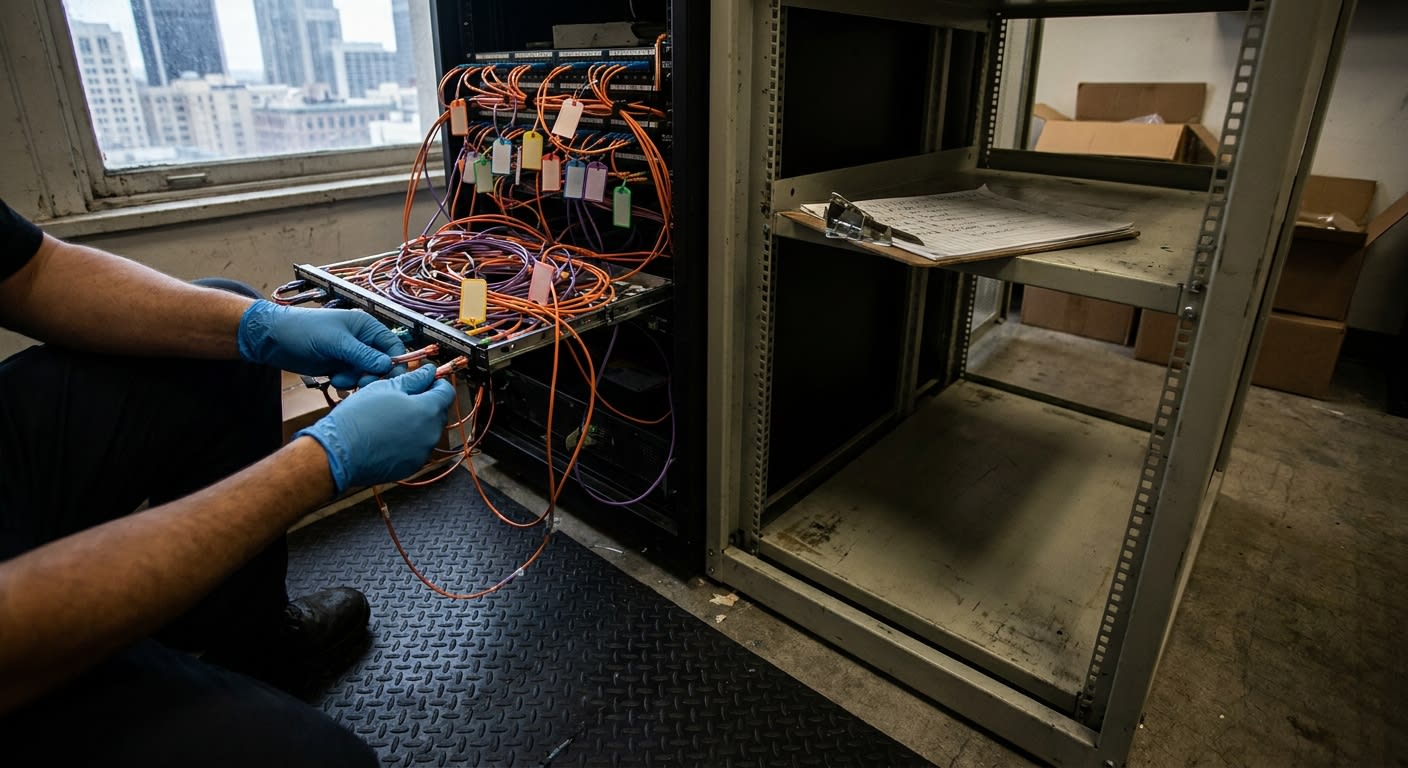
This is the single highest-ROI step on the entire checklist. Before any cable gets unplugged, photograph the back of every server, switch, and workstation. I mean every single one. Then label each cable on both ends with colored tape and a number that matches your asset spreadsheet. The IT team should bag cables by workstation — one zip-top bag per desk with the keyboard, mouse, dock cables, and power brick — labeled with the employee's name and new seat number.
For the server rack, I have my crew use rack-specific moving cases with foam inserts. We don't roll a live rack across a parking lot on its casters, ever. Every rack-mounted device comes out, gets individually wrapped in anti-static material, and travels in padded crates. The empty rack moves separately. My colleague's deeper look at this kind of IT-focused process is worth reading in our team's guide on commercial moving companies with IT equipment focus — it pairs well with this checklist.
Step 5: Plan the Physical Move for Minimum Downtime
For LA businesses, the sweet spot is almost always a Friday-evening-through-Sunday move. Power down Friday at 6 p.m., transport Saturday, reinstall and test Sunday, employees back online Monday morning. For larger moves — 75+ employees or multiple server rooms — I extend to a three-day holiday weekend. Memorial Day, Labor Day, and Presidents Day are gold for office relocations, and my colleague William covers the broader timing logic in his piece on business relocation during peak season.
On the truck side, IT gear rides separately from furniture whenever possible. My crew uses dedicated climate-controlled vehicles for servers and high-value electronics — LA summer afternoons can push a parked truck interior past 130°F, and that kills hard drives. We also schedule arrival windows tight: servers arrive at the new building first, get into the server room before anything else comes off the truck, and the MSP starts powering up while the rest of the office is still being loaded back at the old location.
Step 6: Test Before Anyone Sits Down Monday
Sunday afternoon is testing day. The IT team should validate: internet circuit live and at expected speed, internal DNS resolving, file shares accessible, email flowing, VoIP phones registering, printers reachable, VPN working from outside the building, and at least three workstations fully logged in and running a representative app. I always have my move foreman stay onsite during initial power-up in case anything needs to be physically re-positioned.
SOS Moving operates as a licensed and insured full-service moving and storage provider, with rates starting at $119/hour, and we've handled thousands of local and long-distance relocations with a stress-free approach — that combination matters most on commercial jobs, because if a $40,000 server gets damaged, you need a real insured carrier behind the move, not a Craigslist crew. I make sure every commercial client knows exactly what coverage applies to their equipment before we ever load the truck.
Step 7: Document the New Setup for Future You
The move isn't done when the lights are on. Within the first week, update your network documentation: new rack diagram, new IP scheme if anything changed, new patch panel mapping, new printer locations, new conference room AV inventory. Take fresh photos of the server room and patch panels. If your MSP changes in the next two years — and in LA's market, that happens more than people admit — the next team will thank you for the documentation.
I also recommend a 30-day post-move review. Pull every employee aside for two minutes: anything not working, anything missing, anything weird about your setup? Catch the small stuff before it festers. The fintech firm I mentioned at the top found three monitors that had developed dead pixels in transit — small claim, quick resolution, but only because someone asked.
FAQ
How far in advance should we start planning an IT equipment office move in LA?
For offices under 25 people, 6 weeks is workable. For 25 to 100 people with a dedicated server room, I want 10 to 12 weeks. The long pole is almost always the internet circuit installation at the new building, which can run 30 to 60 business days in LA as of 2026.
Should our MSP or our moving company handle the IT equipment?
Both, in different roles. Your MSP handles power-down, backup verification, cable labeling, and power-up. My crew handles the physical transport — proper crating, climate-controlled trucks, padded handling. Trying to have movers configure switches or having IT techs carry server racks down stairs is how things break.
What's a realistic IT-equipment office relocation checklist budget for a 50-person LA office?
Plan for $15,000 to $35,000 in 2026, depending on equipment volume, distance, building access, and whether you need new cabling or AV at the destination. That's the moving portion — circuit installs, new furniture, and IT vendor labor are separate line items.
Do we need special insurance for the server hardware?
Standard moving valuation maxes out at 60 cents per pound under federal rules, which is nowhere near enough for a $25,000 server. I always recommend declared-value coverage or full-replacement valuation for IT equipment, and your business policy may need a rider. We walk every commercial client through this before the contract is signed.
What happens if the internet isn't live by Monday morning?
We plan for it. Every commercial move I run includes a backup connectivity plan — either a cellular failover device, a temporary hotspot solution, or a staggered return-to-office schedule for non-critical staff. Hope is not a strategy when 50 people are trying to log in at 9 a.m.
Ready to plan an IT-heavy office move without the chaos? SOS Moving serves Los Angeles, Orange County, and the San Francisco Bay Area with full commercial relocation services. Call (909) 443-0004, email info@sosmovingla.net, or get a free quote. Licensed & insured — full-service moving and storage from $119/hour.